Error Humanizer
Stop staring at cryptic stack traces. Instantly translate complex PHP errors into plain English directly in your WordPress dashboard. Designed for speed and security.
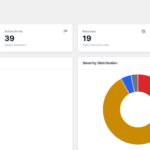
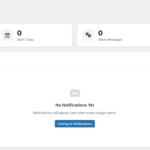
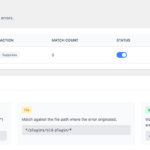
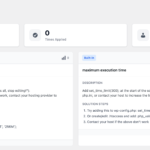
Debugging, De-Mystified
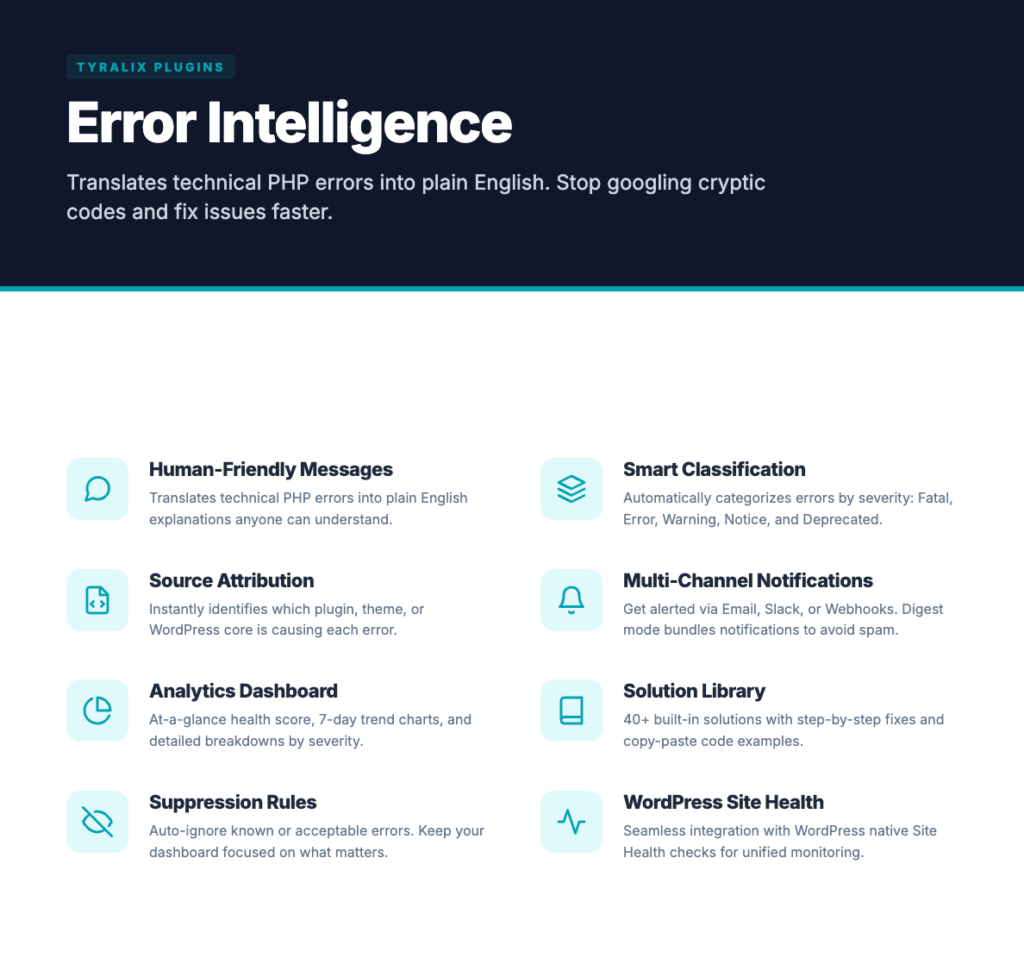
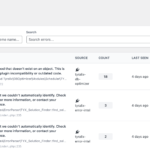
Human-Friendly Error Messages
Translates technical PHP errors into plain English explanations anyone can understand. Stop googling cryptic error codes.
Smart Error Classification
Automatically categorizes errors by severity - Fatal, Error, Warning, Notice, and Deprecated - so you know what needs attention first.
Source Attribution
Instantly identifies which plugin, theme, or WordPress core is causing each error. No more guessing games.
Multi-Channel Notifications
Get alerted via Email, Slack, or custom Webhooks. Smart digest mode bundles notifications to avoid spam.
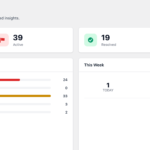
Analytics Dashboard
At-a-glance health score, 7-day trend charts, and detailed breakdowns by severity, source, and time.
Solution Library
40+ built-in solutions with step-by-step fixes and copy-paste code examples matched to specific error patterns.
Suppression Rules
Auto-ignore known or acceptable errors. Create rules to keep your dashboard focused on what matters.
WordPress Site Health
Seamless integration with WordPress native Site Health checks for a unified monitoring experience.
System Requirements
- WordPress: 6.0 or higher (tested up to 6.7)
- PHP: 8.0 or higher
- Database: MySQL 5.7+ or MariaDB 10.3+
Version 1.0.0 – January 28, 2025
Initial Release
- Human-friendly error translation with 40+ patterns
- Real-time error capture and log parsing
- Multi-channel notifications (Email, Slack, Webhooks)
- Analytics dashboard with trend charts
- Suppression rules system
- Solution library with built-in fixes
- WordPress Site Health integration
- REST API for external integrations
- Full translation support
Finally, a WordPress error monitoring plugin that speaks human! I used to spend hours googling PHP errors. Now Error Intelligence tells me exactly what's wrong and how to fix it. Game changer for my e-commerce site.
The Slack notifications alone are worth it. I get instant alerts when client sites have issues, with plain English explanations I can forward directly to them. Saves me so much time on support calls.
We manage 50+ WordPress sites. Error Intelligence's dashboard gives us a health score for each site at a glance. The source attribution feature instantly tells us which plugin is causing problems. Essential for agency workflow.
I'm not a developer, but now I can actually understand what's happening when my site has errors. The human-friendly translations turn scary PHP messages into simple explanations. Highly recommend for beginners!
The error deduplication and analytics are brilliant. Instead of seeing 500 identical errors, I see one error with an occurrence count and trend chart. Makes debugging WordPress sites so much more efficient.
Our WordPress multisite was throwing random errors we couldn't track down. Error Intelligence identified the culprit plugin within minutes. The suppression rules let us filter out noise and focus on real issues.
Related Products